
Technology is increasingly becoming an important part of education. From the computer in a teacher’s office to the smartphone in a learner’s hand, digital tools are changing how information is accessed, lessons are delivered, learners participate and academic progress is monitored.
However, having technology in a school does not automatically mean that technology is being effectively integrated into teaching and learning. Teachers need the knowledge, confidence and practical skills to use ICT meaningfully in their everyday work.
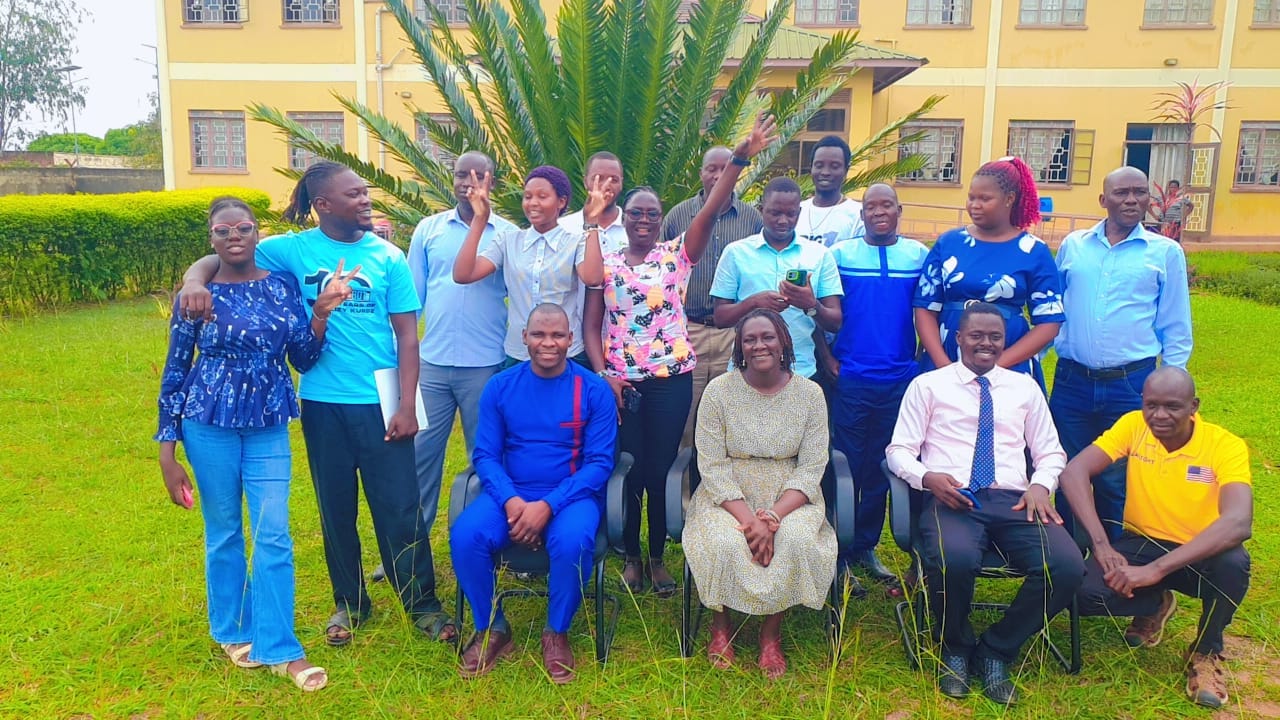
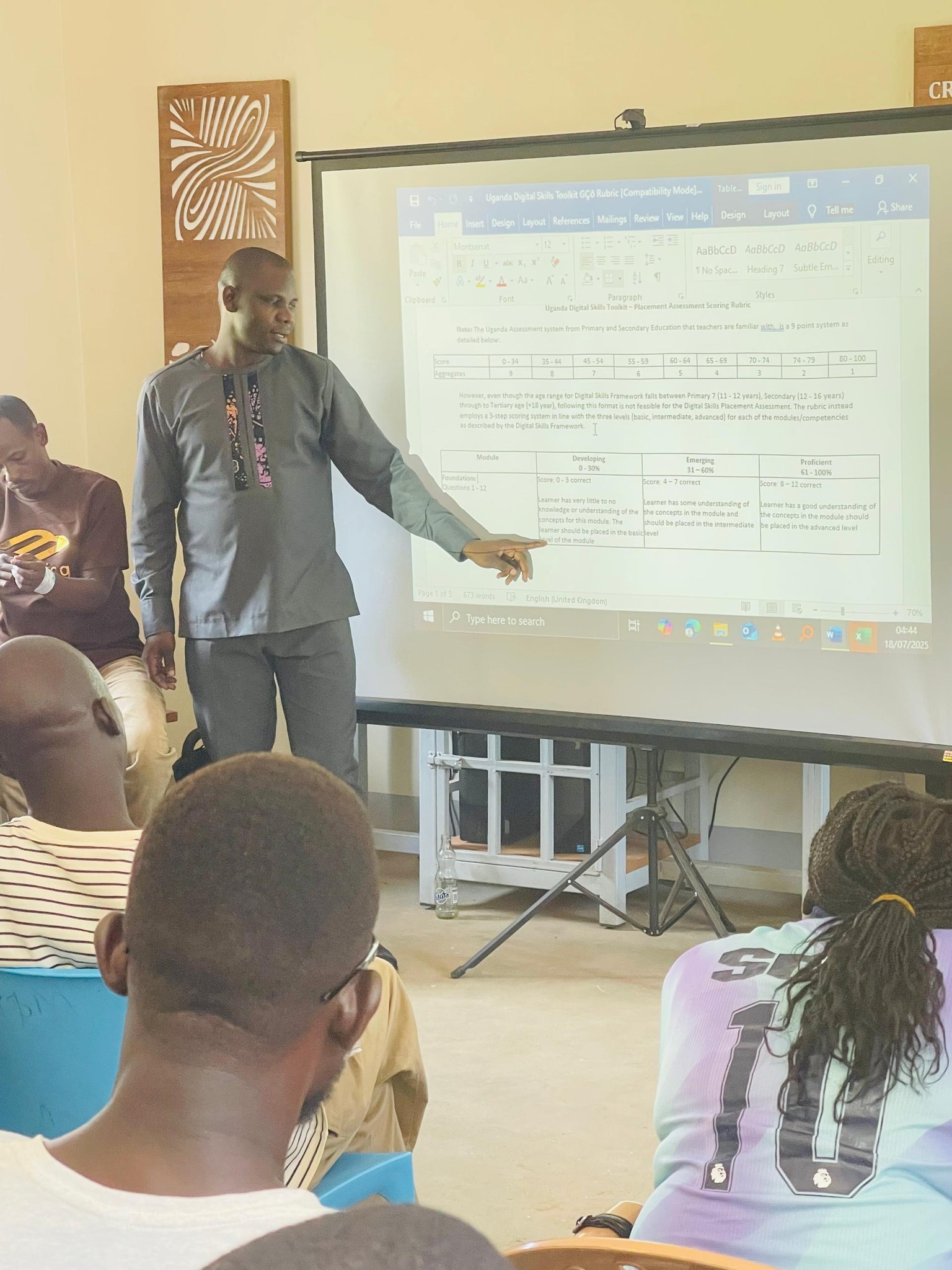
It was against this background that Cornerstone Parents’ School held an ICT Integration Workshop for teachers under the theme “Integrating ICT in Teaching, Learning and Assessment: Using ICT to Improve Teaching, Learning and Assessment.” The workshop was facilitated by George Emorut, an ICT educator, Education Technology facilitator and digital skills trainer.
The workshop focused on a simple but important question:
How can teachers use the technology available to them to make teaching, learning and assessment more effective?
Understanding Education Technology
The workshop began by helping teachers understand what Education Technology, commonly known as EdTech, actually means.
Education Technology involves the use of hardware, software and digital content to enhance appropriate educational processes, including teaching, learning and administration.
This understanding is important because EdTech is not simply about having computers, projectors or smartphones in a school. The real value comes from how these tools are used to add value to the education system.
A projector, for example, becomes more valuable when a teacher uses it to display a diagram that helps learners understand a difficult concept. A smartphone becomes an educational tool when it is used to access learning resources, capture learning activities, communicate with parents or support research.
The focus, therefore, should not simply be “What technology do we have?” but rather:
“How can we use the technology available to improve learning?”
Taking Stock of the ICT Resources Available
Teachers were also encouraged to think about the ICT resources already available within their school environment.
The workshop’s quick ICT poll included resources such as projectors, loudspeakers, printers, digital cameras, television or display screens, radios, tablets and smartphones, internet connectivity and computers.
This activity demonstrated an important principle: ICT integration does not always require expensive new equipment.
Schools and teachers can begin with the resources they already have.
A teacher who has access to a smartphone can explore several possibilities. A teacher with a computer can prepare digital learning materials, analyse marks and organise learner information. A school with a projector can introduce visual presentations into lessons. Where internet connectivity is available, teachers can access a wide range of educational resources.
The challenge is often not the absence of technology, but knowing how to use what is already available effectively.
ICT Before, During and After Teaching
One of the central activities of the workshop challenged teachers to discuss how ICT can be integrated before, during and after teaching.
This is an important approach because technology should not only appear when the teacher is standing in front of learners.
Before the lesson
ICT can help teachers prepare for lessons by:
- Researching content and examples
- Preparing digital presentations
- Preparing pictures, diagrams and videos
- Creating worksheets and learning activities
- Organising learner information
- Preparing assessment questions
- Developing teaching aids
- Accessing online educational resources
Proper preparation can help a teacher enter the classroom with greater confidence and a clearer understanding of what learners are expected to achieve.
During the lesson
ICT can make lessons more interactive and engaging when used appropriately.
Teachers can use digital displays, presentations, videos, audio, educational websites, simulations and other digital resources to support explanations and demonstrations.
ICT can also help teachers accommodate different learning approaches. Some learners understand concepts better through pictures, others through demonstrations, audio or practical activities.
Technology therefore has the potential to make the classroom more engaging when it is connected to the learning objective.
After the lesson
ICT also has an important role after teaching.
Teachers can use digital tools to:
- Assess learners
- Record marks
- Analyse performance
- Track attendance
- Identify learners who need additional support
- Prepare reports
- Communicate with parents and colleagues
- Store and organise educational records
This means ICT can support the teacher throughout the entire teaching cycle rather than being used only for classroom presentation.
ICT Integration Must Be Planned
One of the key messages from the workshop was that ICT integration during a lesson cannot happen by chance. It has to be planned for when drawing the lesson plan.
This is a lesson that every teacher can take away.
Instead of preparing a lesson and later asking, “Where can I use technology?”, teachers can begin by considering whether a particular ICT tool can help achieve the lesson objectives.
For example, if the objective requires learners to identify parts of a plant, a teacher may decide that displaying clear images or a short educational video could improve understanding.
The technology should therefore serve the lesson and not become the lesson.
The question should not be “How do I use technology?” but “What learning problem can technology help me solve?”
Why Microsoft Excel Matters to Teachers
A significant part of the workshop focused on Microsoft Excel and its practical application in teachers’ everyday work.
Teachers often handle a lot of information. This may include attendance registers, marksheets, class lists, behaviour records and examination analysis.
Managing all this information manually can consume a considerable amount of time and may increase the possibility of errors.
Excel provides teachers with an opportunity to simplify some of these tasks.
With Excel, teachers can manage learner information, calculate marks automatically, rank learners, identify the highest and lowest performers, track attendance, sort and filter information and generate reports and marksheets.
These are not simply computer skills. They are teacher productivity skills.
When a teacher spends less time performing repetitive calculations and organising records manually, more time can be dedicated to planning lessons, supporting learners and improving teaching.
From Manual Marksheets to Digital Marksheets
The practical component of the workshop involved creating a complete class marksheet using Microsoft Excel.
This hands-on approach was important because teachers were not simply being told what Excel can do. They were given an opportunity to see how it can be applied to a real task they encounter in their professional work.
The workshop also introduced basic Excel data-entry principles, including entering one value per cell, keeping data continuous and avoiding merged cells within data areas.
These may appear to be small technical details, but they form the foundation of good spreadsheet practice.
Once teachers understand these basics, they can gradually progress to formulas, functions, sorting, filtering, conditional formatting, charts, data analysis and automated reporting.
Building Teachers’ Confidence with Technology
Perhaps one of the most important outcomes of an ICT workshop is not simply what teachers learn during the session, but the confidence they gain to continue learning afterwards.
Technology can sometimes appear intimidating, especially when teachers are expected to learn new applications while simultaneously managing their normal teaching responsibilities.
Effective ICT training therefore needs to be practical, relevant and connected to the teacher’s daily work.
Rather than teaching technology for its own sake, teachers need to see how a particular digital skill can solve a real classroom or administrative challenge.
That is why practical activities such as creating a digital marksheet are valuable. Teachers can immediately see the connection between what they are learning and what they do every day.
The Need for More Teacher ICT Training
The experience from this workshop also highlights the importance of continuous professional development in ICT and Education Technology.
A single workshop can introduce teachers to important concepts and practical skills, but continued practice and mentorship are needed for those skills to become part of everyday teaching.
Schools, education organisations and teacher networks can therefore consider engaging experienced ICT trainers to conduct similar capacity development programmes for their teaching staff.
Such training can be customised to the needs of each school.
A school may choose to focus on:
- Digital lesson planning
- Microsoft Word for teachers
- Microsoft Excel and automated marksheets
- PowerPoint presentations
- Digital assessment
- Google Classroom
- Online teaching
- Educational use of smartphones
- Artificial Intelligence in education
- Digital content creation
- Canva for teachers
- Internet research skills
- Digital safety and responsible technology use
- Multimedia in teaching
- Data management and analysis
The goal should always be to equip teachers with practical skills that improve their effectiveness and productivity.
Invite George Emorut to Train Your Teachers
If your school, institution, organisation or teacher network is looking for a practical ICT and Education Technology trainer, you can consider inviting George Emorut to facilitate a customised teacher training workshop.
The training can be designed around the specific needs of your teachers and the ICT resources available within your institution.
Rather than providing purely theoretical ICT training, the approach can combine explanation, discussion, demonstrations and hands-on activities so that participants have an opportunity to practise what they learn.
Schools interested in organising ICT capacity development for their teachers can reach out through:
George Emorut
Website: emorut.com
Email: emorutgeorge@gmail.com
Phone: 0772085819 / 0751532207
YouTube: Tech With Tr. George
Leave a Reply